
What Wisconsin VINE Covers in Wood County
The Wood County Sheriff's page points straight to VINELink site 50100. That county-level link shows the local rollout is real. Wisconsin DOC's Office of Victim Services describes Wisconsin VINE as a partnership with local law enforcement. That partnership shares anonymous county-jail custody information and notifications. The service runs in English, Spanish, and Hmong.
VINE answers a narrower question than the Wood County Jail or Admin Records can. It reports a covered custody status or a change in that status. It does not promise every charge or every booking field. You will not find a court date, a photograph, a release reason, or a full history. Treat a response as a custody answer only. It is not a criminal-history conclusion.
The statewide VINE phone line is 1-888-WI-4 VINE, which is 1-888-944-8463. Searching requires no account. Register only if you want notifications.
A VINE result reports custody only. The legal outcome of a Wood County arrest is decided in court, so read any status label as a snapshot of where a person is held, nothing more.
How to Check One Wood County Arrest
Start from the county-linked page, not a generic search result. VINE's internal route can shift. The Sheriff's site 50100 link is the stable entry point. Search one person at a time. Compare any match against the identifying details shown on the screen before you trust it.
- Open the Wood County site 50100 VINELink link from a current browser.
- Choose the Wisconsin county site if the interface asks for a state, county, or facility.
- Enter the available identifying information, typically a name or identification number, following the live form’s rules.
- Review more than one result carefully. Do not select a record based only on a similar name.
- Read the status and facility information as a custody response. Save the official contact details if the result tells you to call for more information.
A no-match result is not final proof. A person may be listed under another spelling, already released, transferred, held in another county, or outside VINE coverage. Fresh bookings can lag. For current Wood County custody, call 715-421-8730. For a booking record or photo, contact Sheriff Admin Records.
What a Wood County VINE Result Shows
The state VINE explanation sets no fixed Wood County field layout. The live application decides what appears. Read the practical fields below as interpretation help, not as a court record or photo source.
| Result area | Meaning and limit |
|---|---|
| Person match | An identity match in the selected custody system. Check the full result, not a similar name. |
| Custody status | A current or recent status response that can change after release, transfer, or another event. |
| Facility or agency | The location or system reporting the custody event, when the interface shows it. |
| Identifier | A number or detail used to distinguish people. Treat it as a custody-system identifier. |
| Notification option | A control for phone or email alerts after a status change, subject to the system’s coverage. |
| Instructions | A direction to call, search again, or use another custodian when VINE cannot answer. |
VINE fills a real gap here. Wood County's official web pages publish no public current-inmate table, so the service offers a self-service status check without republishing a sensitive list. It is still just one layer. The Jail answers current local custody, Admin Records handles document requests, and the courts settle the case.
How to Register for Wood County Custody Alerts
After a status search, the screen may offer notification enrollment. Wisconsin VINE sends automated phone or email alerts for covered custody changes. Button labels can change, so follow the live instructions and read the confirmation screen before you leave.
- Complete the status search and select the correct match only after checking the identifying details.
- Choose the notification method offered by the result, such as telephone or email.
- Enter the contact information requested by the application and confirm it carefully.
- For phone registration, create or record the four-digit PIN required to stop calls. Keep it private.
- Save the confirmation information and update or cancel the registration through the official interface if the custody need ends.
Wisconsin's instructions say phone notifications keep calling for 48 hours, or until the right four-digit PIN is entered. That detail is easy to miss. Never share a PIN in a message, screenshot, or social post. An alert reports a custody change, nothing more.
VINE works in English, Spanish, and Hmong. The phone line is 1-888-944-8463. It is built for status checks and notifications, not for booking photos or full court dockets.
The Wood County VINELink Screen
The county-linked screen is the starting point for both search and registration. Treat it as an official custody tool from the Sheriff rather than a public gallery.
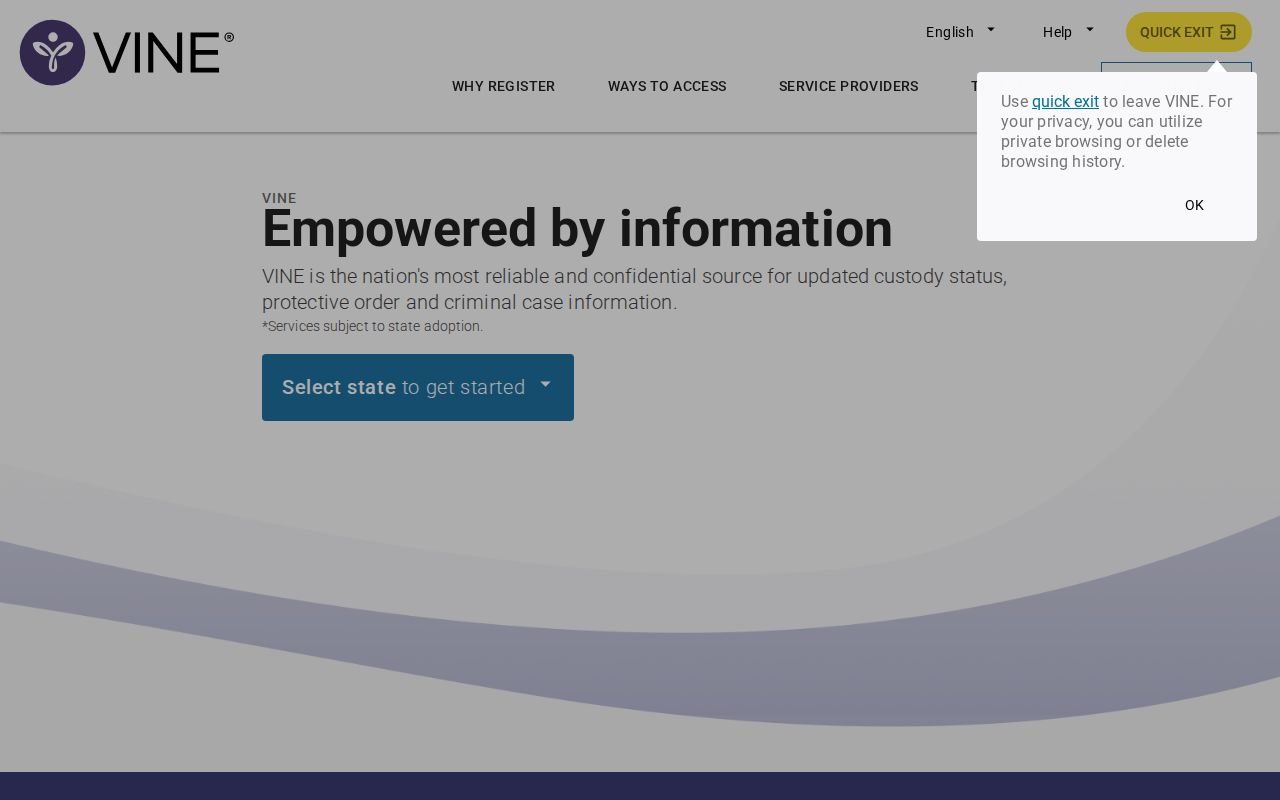
The page displays the Wood County VINE deployment used for status checks. It shows no list of people, and a status label says nothing about charges or outcomes.
The state instructions walk through how VINE works with Wisconsin county jails, covering language access and how phone notifications behave.
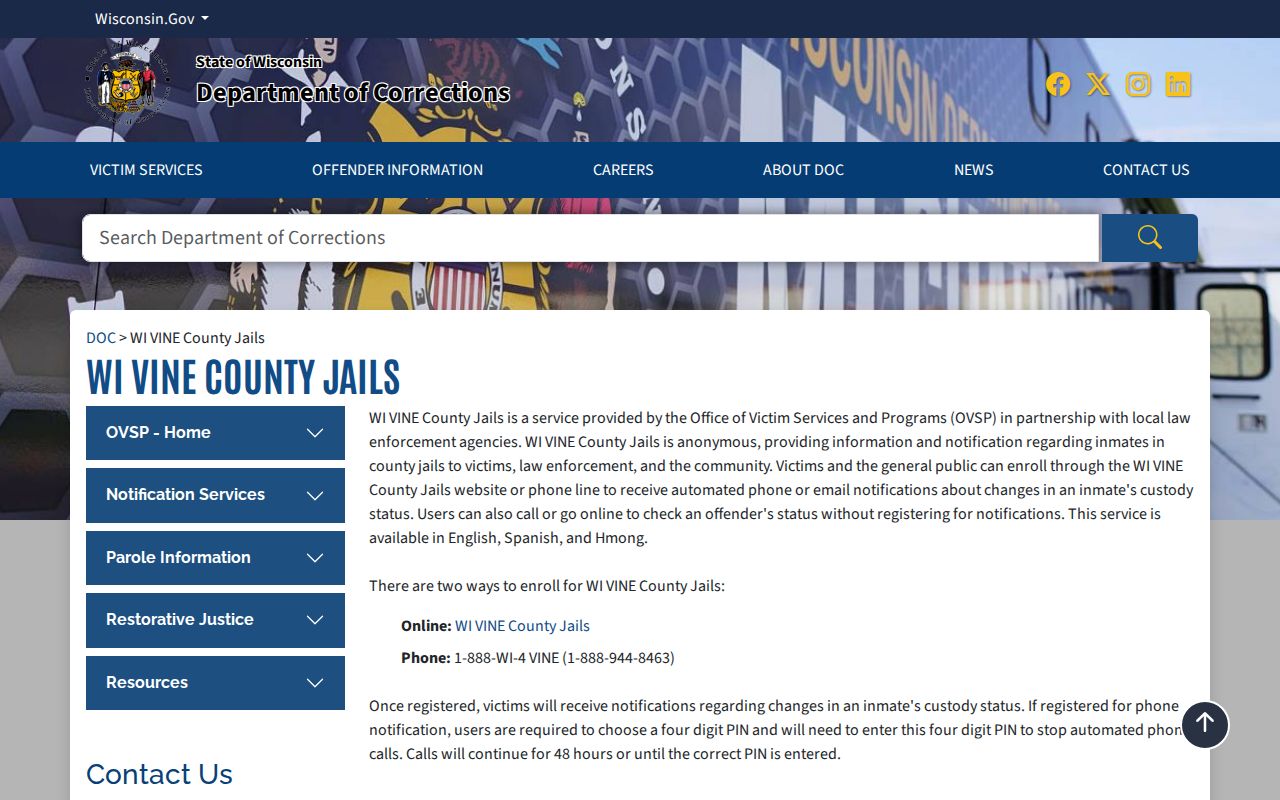
Check the official state explanation for program mechanics whenever the live application changes.
VINELink Limits and Fresh Arrest Checks
VINE is no substitute for the Wood County 24 Hour Arrests fallback. That page notes the county publishes no verified public same-day booking feed and explains how to reach the jail and records office directly. A fresh booking can lag in VINE. The jail can tell you the current local status by phone.
VINE also does not cover every system. The Wisconsin DOC locator handles sentenced state-prison placements. The Federal Bureau of Prisons locator tracks federal inmates. ICE runs its own detainee locator. None of these belongs inside a Wood County VINE result.
If the question is urgent or the result is unclear, call the Wood County Jail at 715-421-8730. For the record itself, ask Sheriff Admin Records at 715-421-8715.
VINE reacts to status changes too. A release updates the answer right away. So a name can drop out of an active custody result while the county still holds the booking record, since Wood County's retention schedule lists booking records and mugshots as permanent categories. Permanent retention, though, is not the same as public online access.
After a VINE Custody Check
Know what you actually want next. For a record itself, call the Sheriff Admin Records office with a name, a bounded date range, the arresting agency, and a case or event number. For a court outcome, Wisconsin Court Access and the Wood County Clerk are the right stops. State prison time calls for the WI DOC locator. Federal or immigration custody sits in the relevant federal system. Each answer needs its own source and date.
The Wood County recent arrests hub covers the full county-wide path. It spans booking records, photos, the warrant warning, retention rules, and city routes, and it explains why a VINE status never belongs in a booking table. Use the service narrowly. Find the one person. Read the status carefully. Register for a change alert only when it helps, guard the PIN, and verify anything weighty with the office that made the arrest.